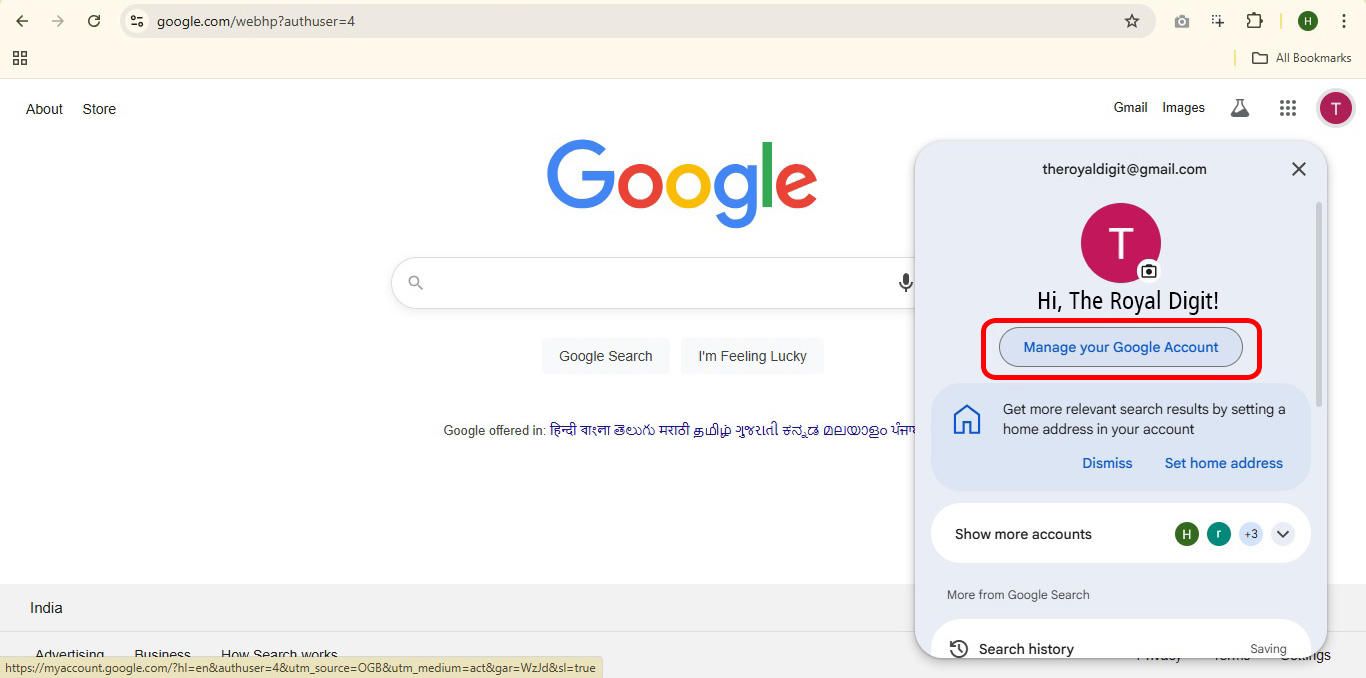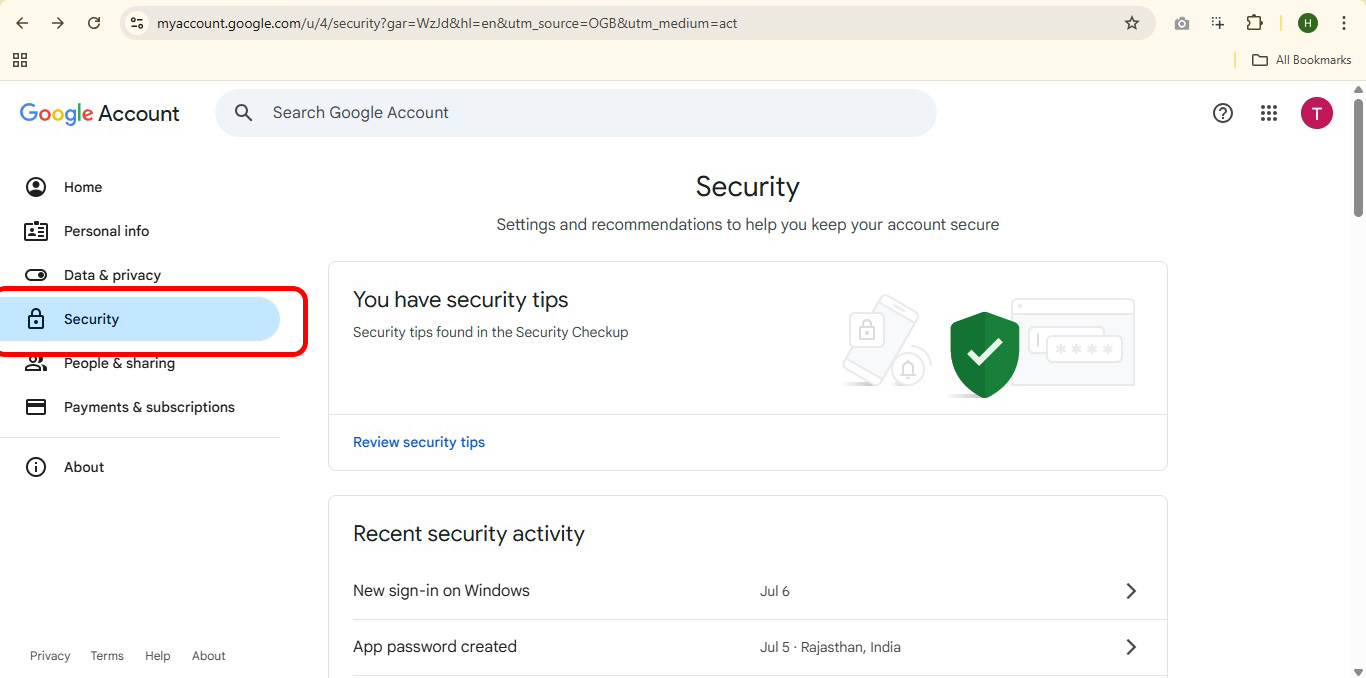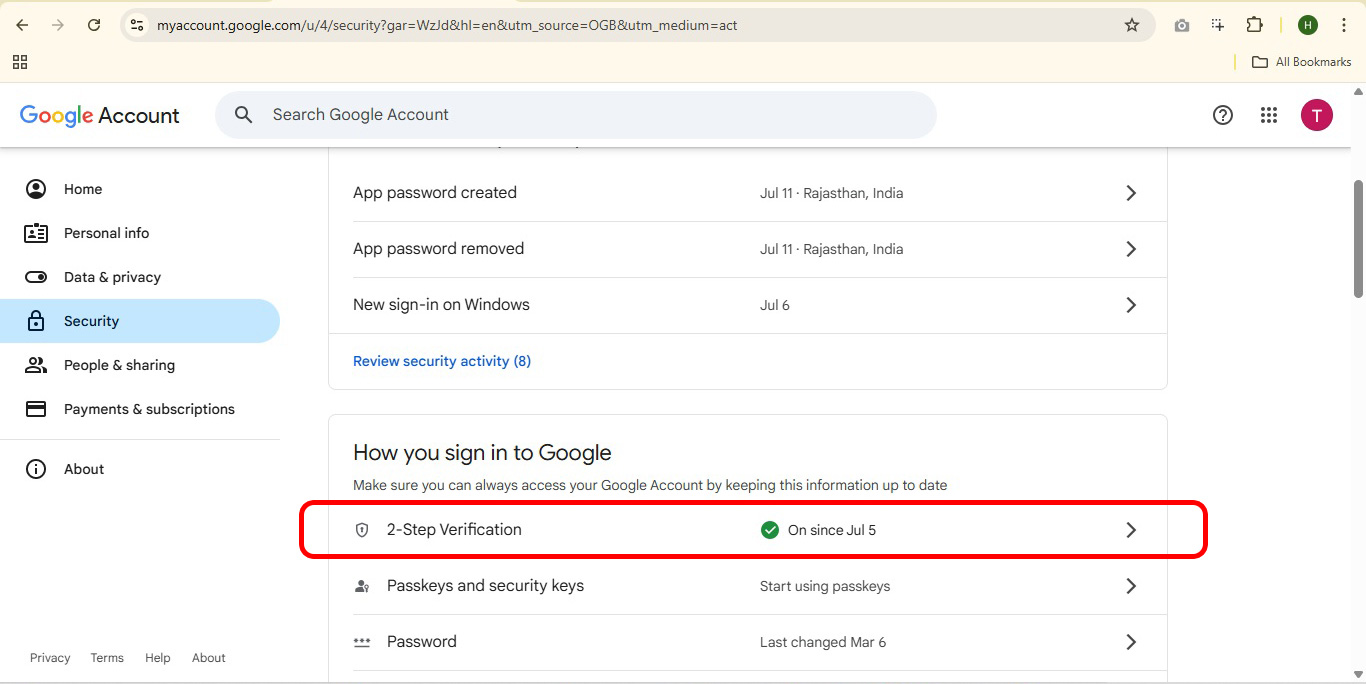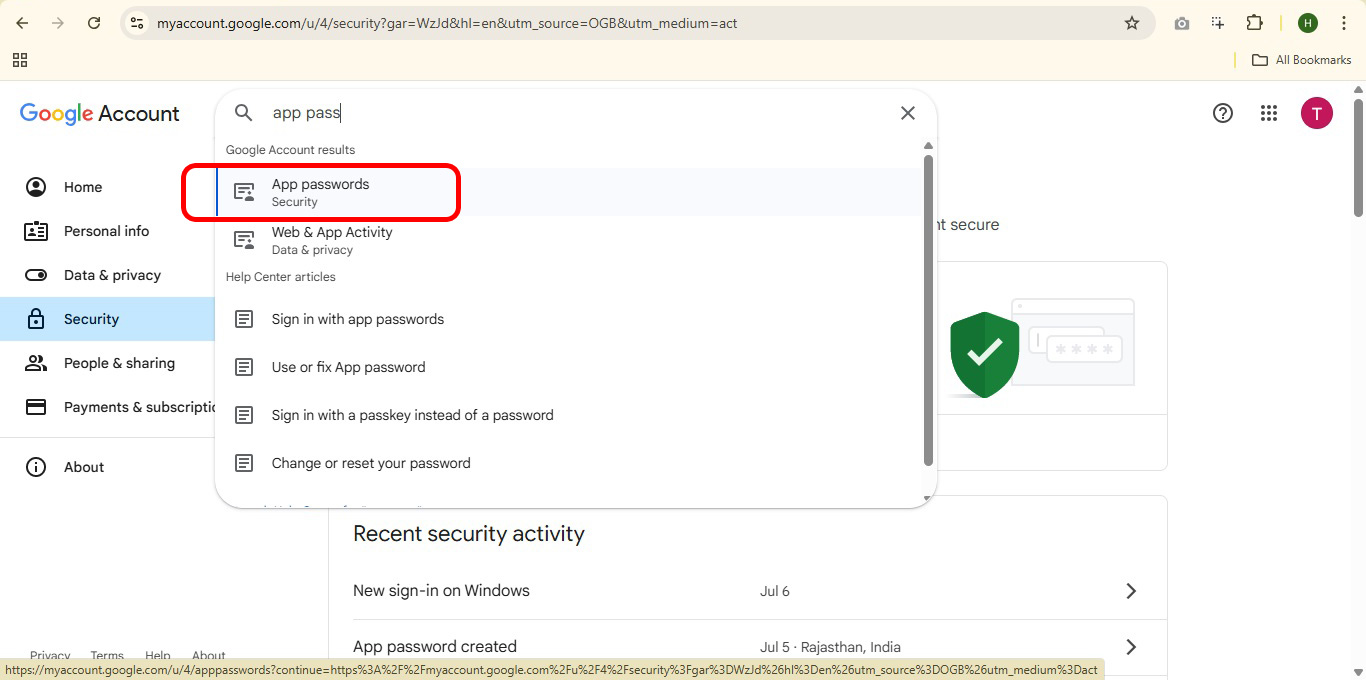
Step 1
Step 2
 Step 3
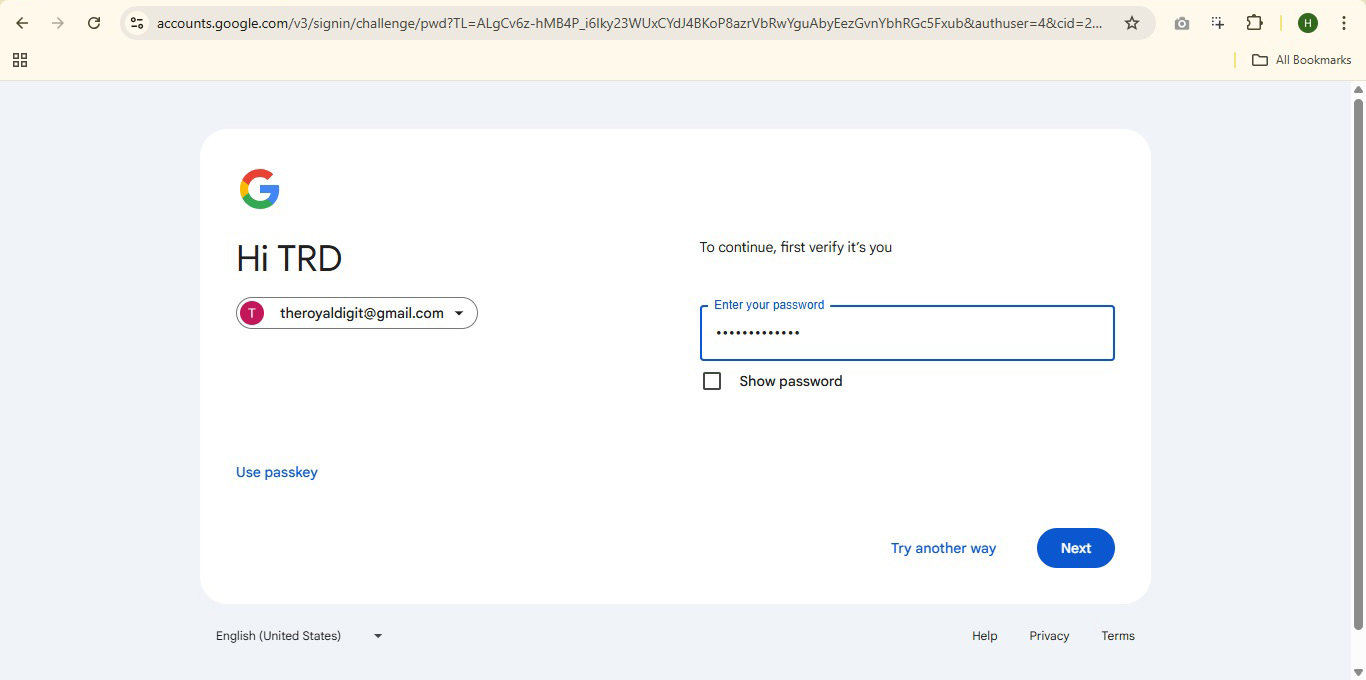
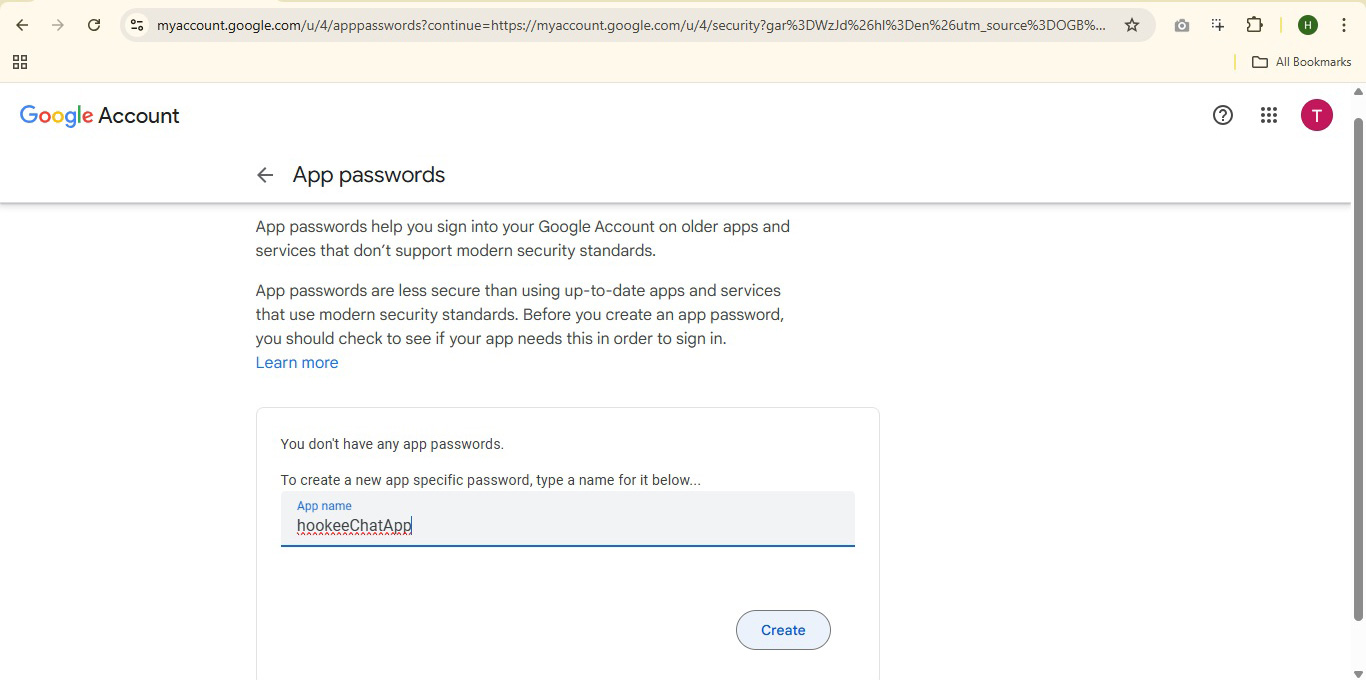
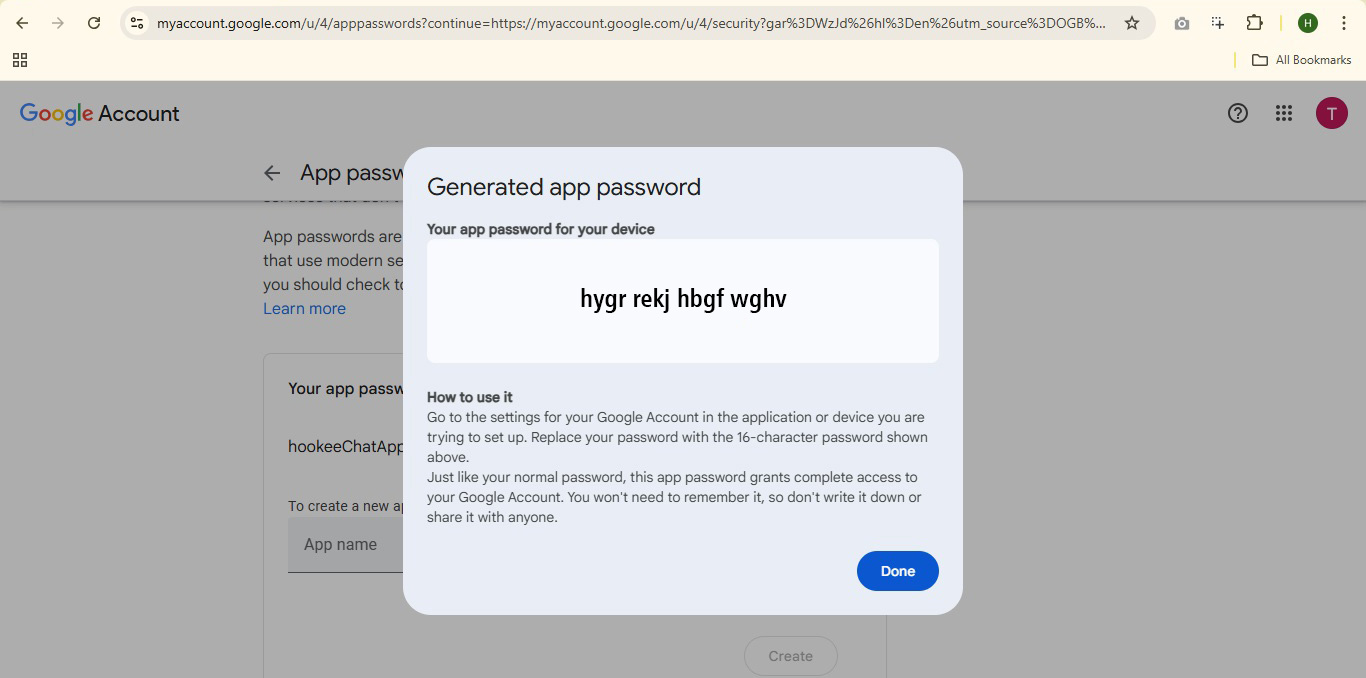
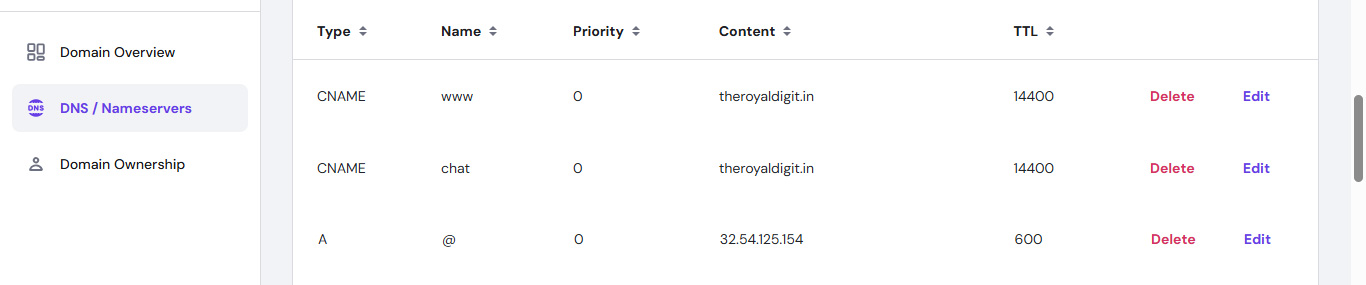
Open app.env file and update "Domain", "Gmail ID" and "Gmail App Password" with your real "Domain", "Gmail ID" and "App Password"
DOMAIN=www.yourdomainname.xyz
GMAIL_ID=yourgmailid@gmail.com
GMAIL_APP_PW=hgvf uhjb tfrt mnhb
If you have custom subdomain, then domain pattern should be DOMAIN=subdomain.yourdomainname.xyz
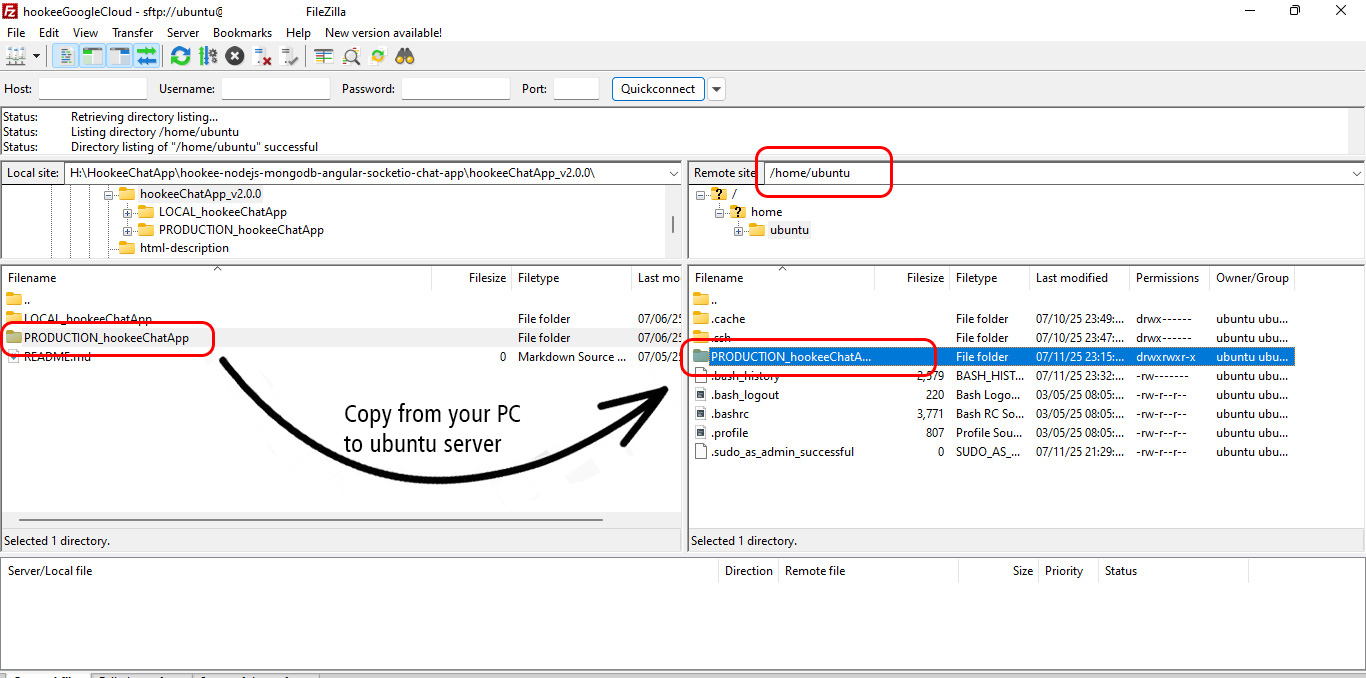
Copy PRODUCTION_hookeeChatApp folder with its sub folders and files from your PC to your Ubuntu server at the path /home/ubuntu
Note: In the path (/home/ubuntu), ubuntu is just a placeholder. Replace it with your actual server username.
For example: If your server username is ec2-user, then the path will be /home/ec2-user
Here we are using "FileZilla" to copy files from the local machine to the server, but you can use any other method you prefer.
-
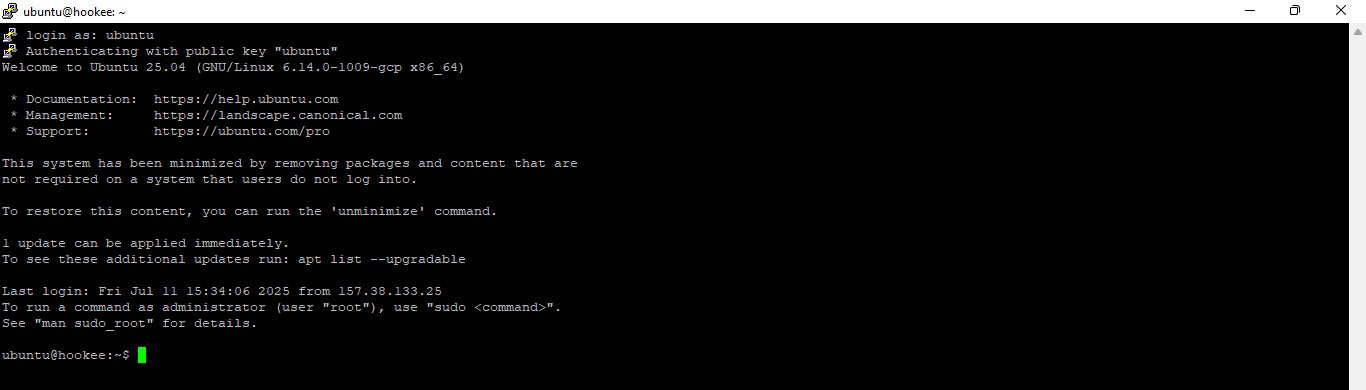
Open "Remote shell" for Ubuntu server
-
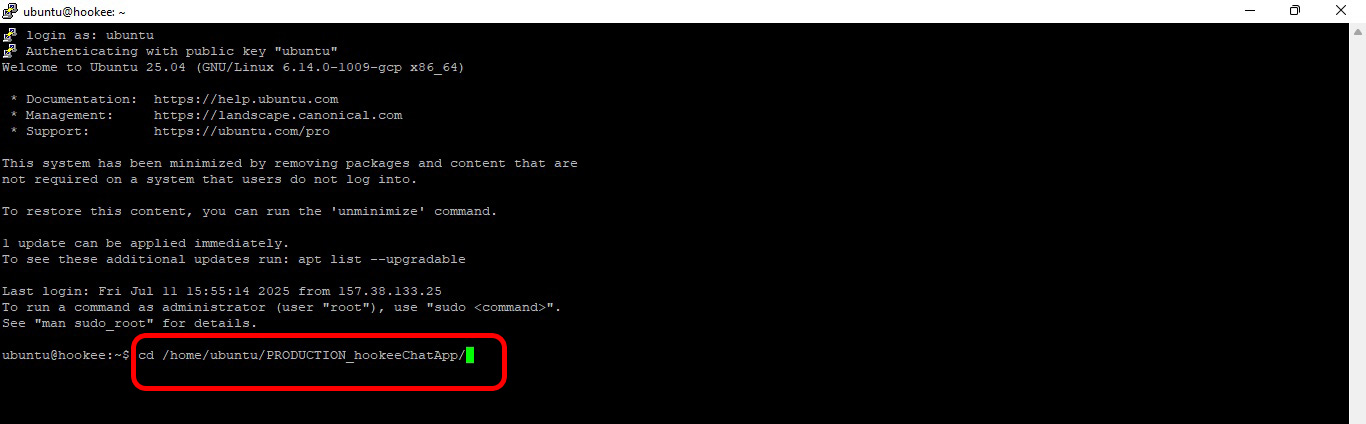
Go to "PRODUCTION_hookeeChatApp" folder using command cd /home/ubuntu/PRODUCTION_hookeeChatApp
Note: Here ubuntu is just a placeholder. Replace it with your actual server username.
For example: If your server username is ec2-user, then the command will be cd /home/ec2-user/PRODUCTION_hookeeChatApp
-
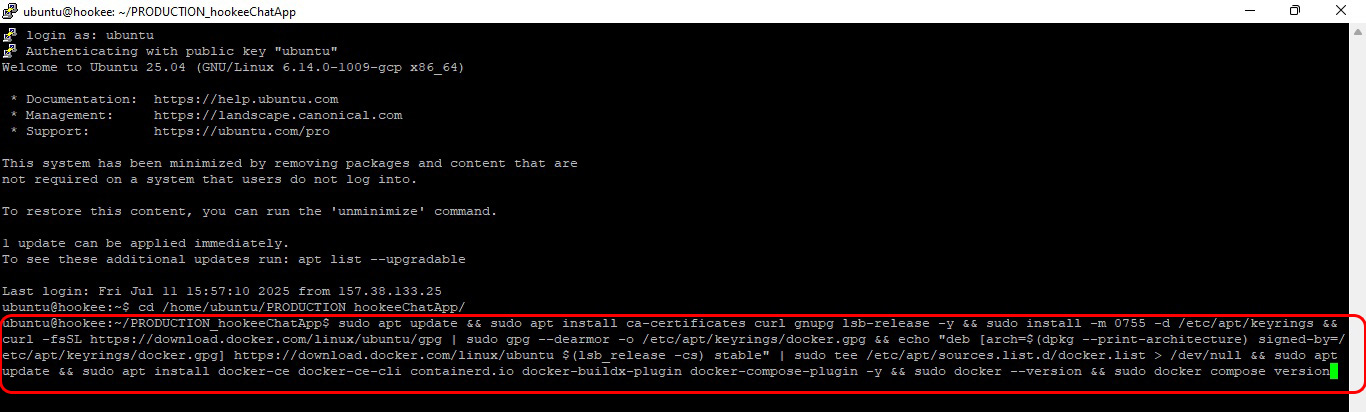
Install "Docker" on your server using below command
sudo apt update && sudo apt install ca-certificates curl gnupg lsb-release -y && sudo install -m 0755 -d /etc/apt/keyrings && curl -fsSL https://download.docker.com/linux/ubuntu/gpg | sudo gpg --dearmor -o /etc/apt/keyrings/docker.gpg && echo "deb [arch=$(dpkg --print-architecture) signed-by=/etc/apt/keyrings/docker.gpg] https://download.docker.com/linux/ubuntu $(lsb_release -cs) stable" | sudo tee /etc/apt/sources.list.d/docker.list > /dev/null && sudo apt update && sudo apt install docker-ce docker-ce-cli containerd.io docker-buildx-plugin docker-compose-plugin -y && sudo docker --version && sudo docker compose version
-
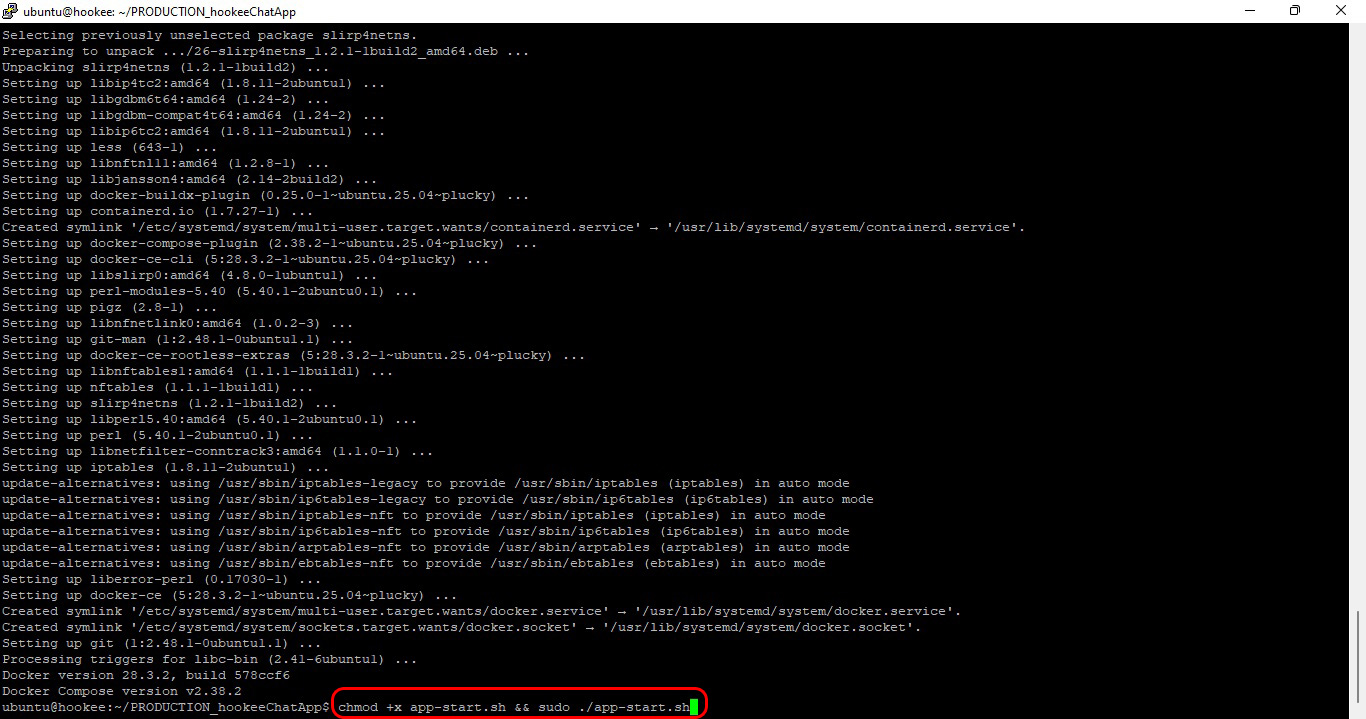
"Start App" using below command
chmod +x app-start.sh && sudo ./app-start.sh
-
After completing the above command, open the app in your browser using the "https" protocol https://www.yourdomainname.xyz or https://subdomain.yourdomainname.xyz
Note: Here "subdomain" and "yourdomain.com" is just a placeholder. Replace it with your actual subdomain and domain name.

--- FINISHED ---